
Use Gmail in EasyMail for Windows
Use Gmail’s familiar web interface in a Windows app, with separate accounts, notifications and access from your taskbar.
EasyMail is an independent app by WunderApps, not an official Google app.
Gmail, with Windows convenience
Keep your Gmail accounts separate
Switch between work, personal and other Gmail accounts without signing out each time. Each account keeps its own sign-in session and inbox; EasyMail does not merge messages into one inbox.
Add and switch between accounts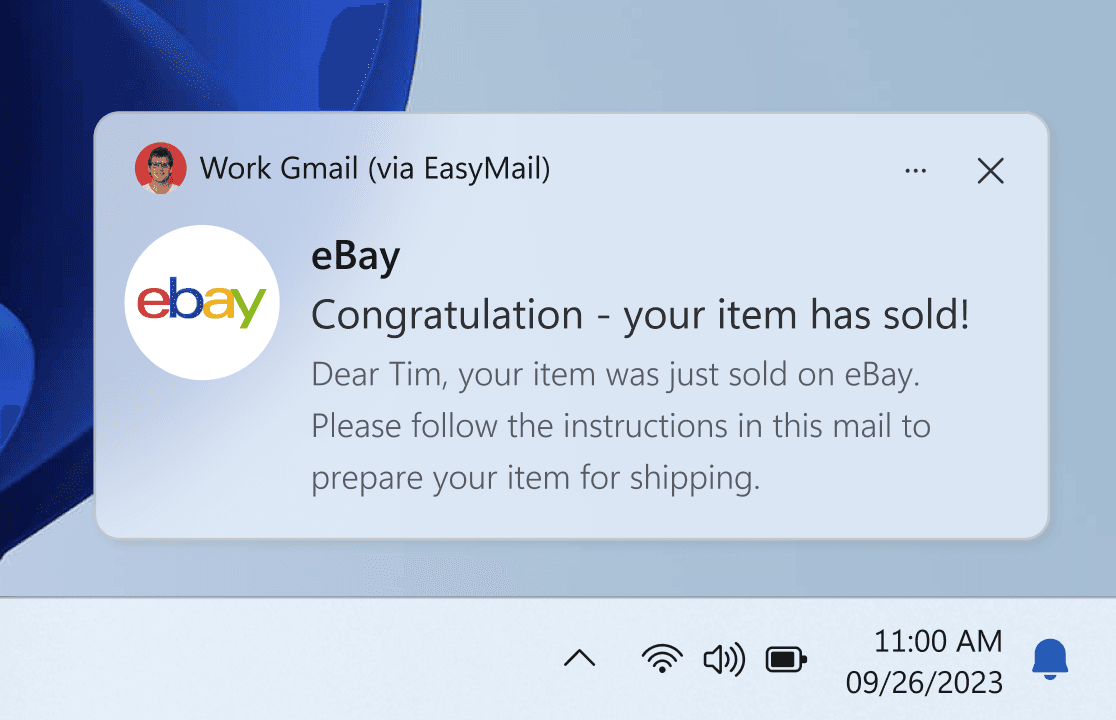
Choose notifications and badges
Choose which Gmail categories contribute to alerts and badges, with settings for each account. Windows permissions and the app’s running state also affect notifications.
Set up Gmail notificationsOpen Gmail accounts from your taskbar
Right-click the EasyMail icon on your Windows taskbar and select a Gmail account from the Jump List to open it directly.
Set up taskbar account accessOpen email links in Gmail
Choose EasyMail as the Windows handler for mailto links to open a new Gmail message from an email-address link. If prompted, choose the Gmail account you want to use.
Set up email linksQuestions about Gmail in EasyMail
Is EasyMail an official Google app?
No. EasyMail is an independent Windows app by WunderApps. It displays Gmail’s web interface and is not affiliated with or endorsed by Google.
Can I use multiple Gmail accounts?
Yes. Add your accounts and switch between them in EasyMail. Their inboxes stay separate. Premium includes unlimited accounts; check the current offer for the Free plan’s allowance.
Is EasyMail free?
EasyMail has a free, ad-supported option after the trial. Premium removes ads, includes unlimited accounts and unlocks all features. Check the offer in the app for current prices and plan details.
See plans and pricing for the Free and Premium options.
Bring Gmail to your Windows desktop
Get EasyMail for WindowsEasyMail also brings your other web apps together on Windows. Explore EasyMail.