EasyMail for Windows

No more chaos

Access all your favorite web apps from one place

Free download · optional Premium

Rated 4.7/5 in the Microsoft Store

Reclaim Your Time, One Hub for All Your Needs

Keep email, messaging and your other web apps together. Switch between separate accounts and access your favorites from one place.

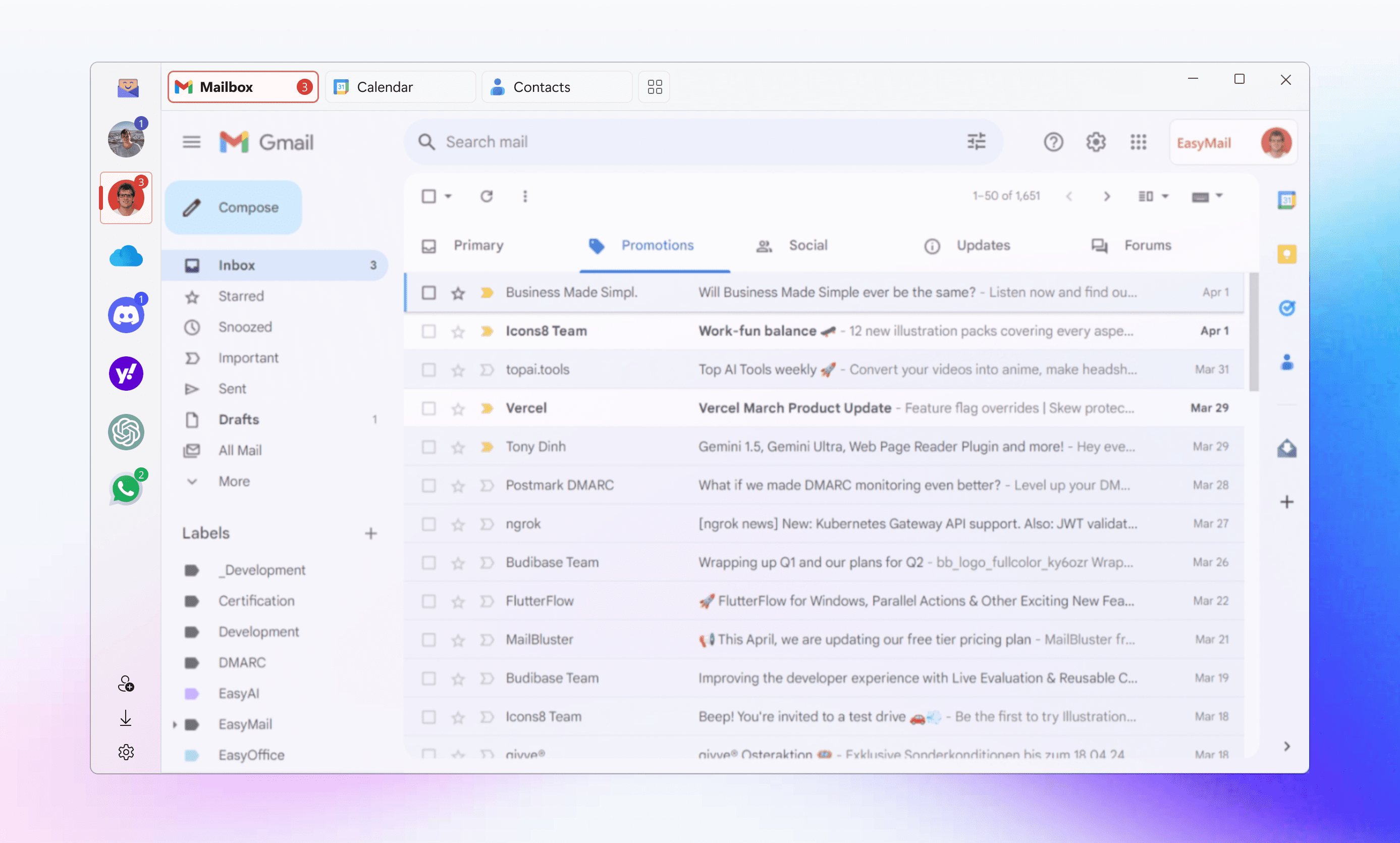
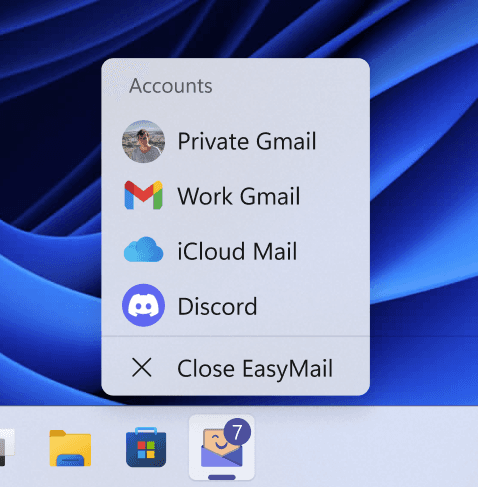
Switch between accounts in EasyMail
FEATURES

Quickly switch between accounts

Keep work and personal accounts together in EasyMail. Switch between them without signing out each time.

Badge Numbers

See account activity at a glance in supported services.

Account Separation

Keep work and personal cookies and sign-in sessions separate.
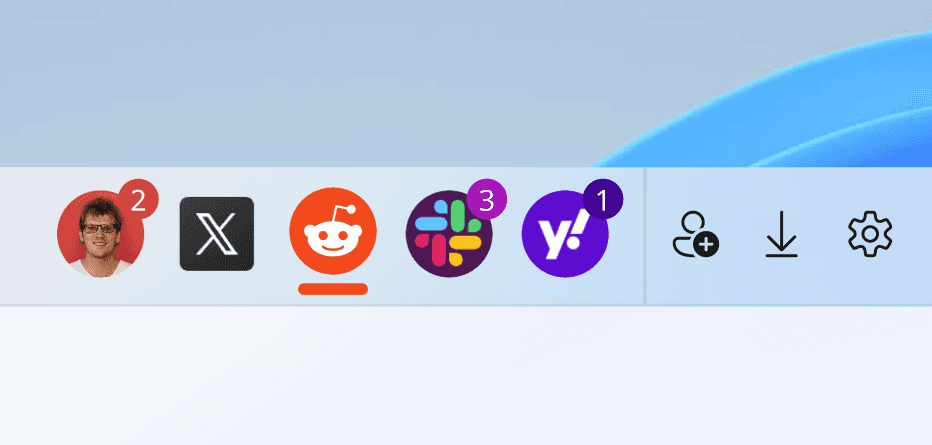
EasyMail and web app icons on the Windows taskbar
FEATURES

Access your apps from the taskbar

Open EasyMail from your Windows taskbar and keep your favorite web apps close at hand.

Try it yourself
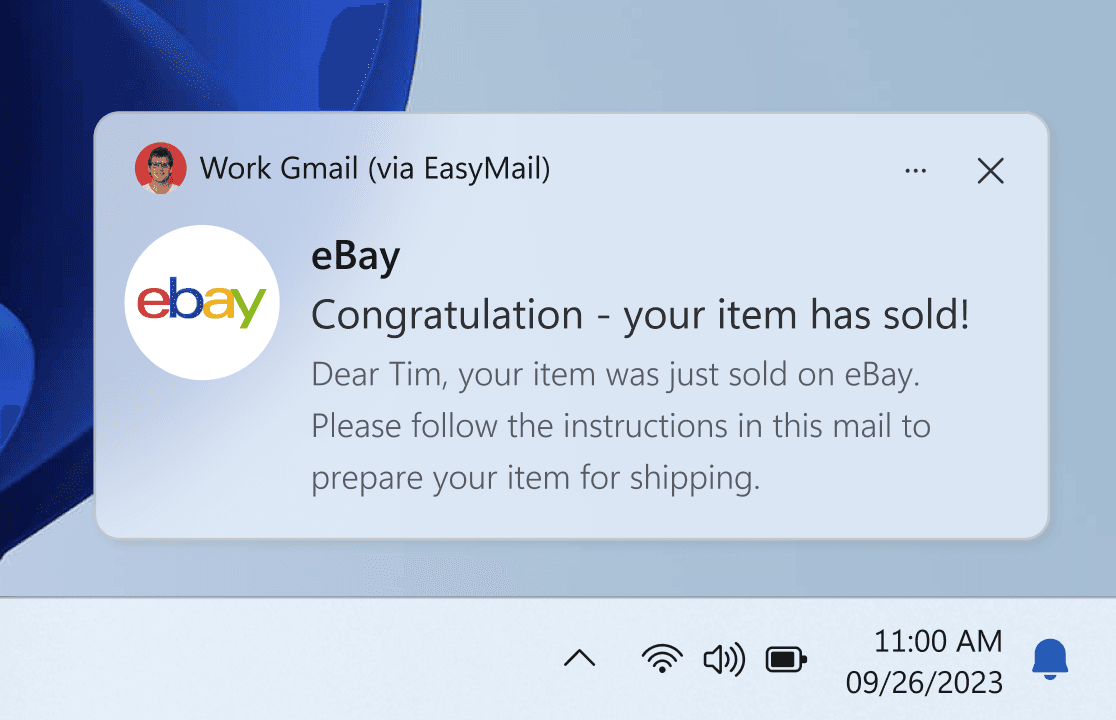
EasyMail notification settings and a Windows notification
FEATURES

Notifications that suit you

Choose notification settings for each account. Availability depends on the service.

Gmail Category Filters

Choose which Gmail categories you want notifications for.

Account Specific

Turn notifications on or off for each account. Windows settings also apply.

Gmail notification setup
CUSTOMER VOICES

What our users are sharing

“My browser used to be a tab nightmare. Now, with EasyMail, I switch between apps with ease. It's straightforward and keeps me organized.”
JeremiahSoftware Developer
“EasyMail's notifications are spot on. I'm always updated, and the badge count keeps me aware of new messages without the constant checking”
IngaMarketing Director
WEB APPS

All your favorite apps united

Keep your email, messaging, notes and other favorite web services together in one Windows app.

Gmail on Windows

Gmail

Email

WhatsApp

Messaging

Reddit

Social

Outlook

Email

Notion

Notes

ChatGPT

AI chat

Discord

Messaging

X

Social

Yahoo

Email

PRICING

Start free. Choose Premium when you need more.

Free Plan

$0

Keep using EasyMail for free after the trial, with ads and a limited feature set.

  • Access your web apps in EasyMail
  • Ad-supported use
Get EasyMail for Free

Lifetime Premium

$59.99 once

All Premium features with a one-time purchase.

  • Unlimited accounts
  • No ads
  • No recurring subscription for this upgrade
Get EasyMail to upgrade

Free trial available. Prices and offers may vary by region. Check the offer shown in EasyMail before purchasing.

FAQs

Clarity Corner: Your FAQs

More help and FAQs
How can I get started with EasyMail?

Download EasyMail from the Microsoft Store, then add the accounts and web services you want to use.

Which Windows versions does EasyMail support?

EasyMail is available for Windows PCs running Windows 10, version 2004, build 19041 or later, including Windows 11. The Microsoft Store listing has the full system requirements.

Is EasyMail free?

Yes. EasyMail has a free, ad-supported option after the trial. Premium removes ads, adds unlimited accounts and unlocks all features. See plans and pricing or the offer in the app for details.

EASYMAIL FOR WINDOWS

Master your app usage

Keep your favorite web apps together with EasyMail for Windows.

Download
EasyMail brings your web apps together on Windows